01 / Operational Interoperability Platform
Updated 13 October 2026
Citadel
Different gear. Same team. Try to keep up.
Citadel connects compatible field applications, mesh networks and OverWatch so teams can exchange positions, messages and mission data across the tools they already carry. One console for the connections, identities and gateways that keep the operation moving.
- ATAK / WinTAK / XTAK
- OverWatch
- Reticulum / LXMF
- MeshCore
- Meshtastic
- Self-hosted / VPS
- Raspberry Pi 4 / 5
A shared operational picture
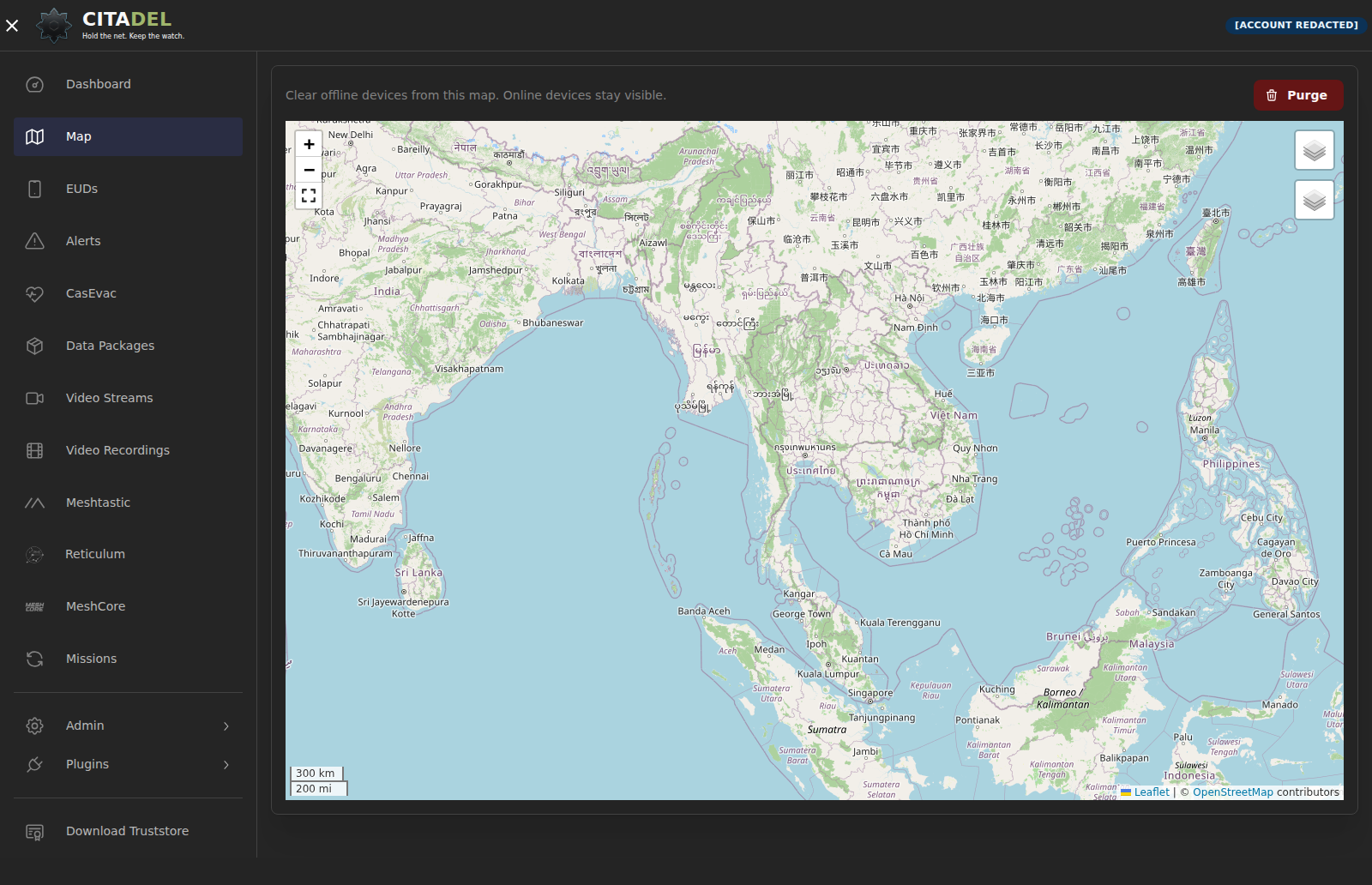
Connect compatible position reports and markers to the shared map. Manage missions and data packages through supported field clients. Purge hides disconnected or expired devices from your browser map while retaining their records.
Keep the clients your team uses
ATAK, WinTAK and XTAK can connect through the documented CoT and GeoChat interface over TLS, with private certificate enrollment. Client-specific extensions and plugins need separate compatibility checks.
Built to work with OverWatch
Exchange operational data through compatible interfaces and configured integrations. Coordinate across the applications your team already carries.
Three mesh ecosystems
Connect Reticulum/LXMF, MeshCore and Meshtastic through their configured paths. Enrolled active accounts share All Chat Rooms; position permissions use separate group IN/OUT controls.
Field radios stay in the field
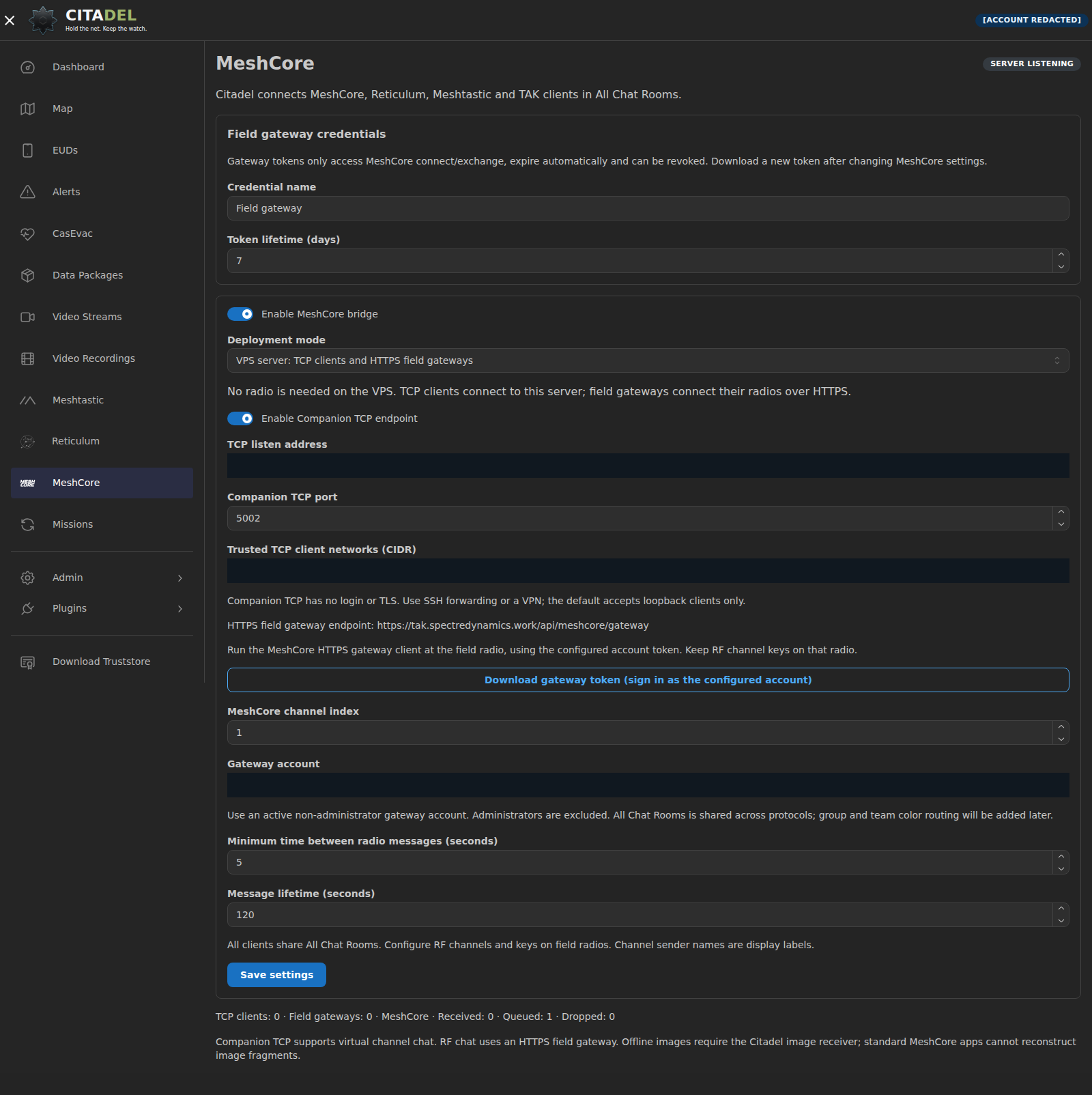
Run the central server on your infrastructure or a VPS. MeshCore radios connect through field gateways with scoped, expiring credentials. The central VPS needs no attached radio.
Device health with context
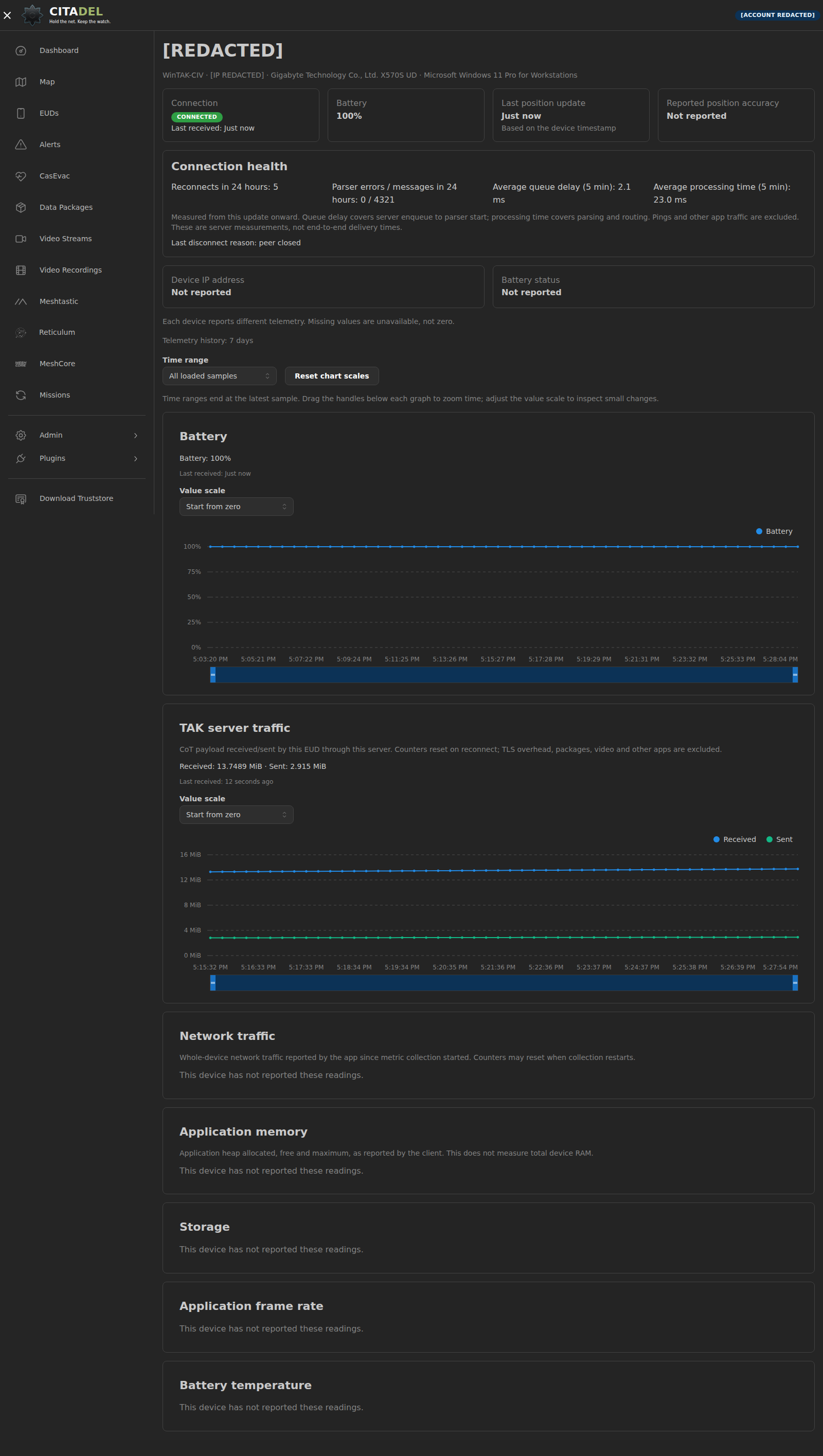
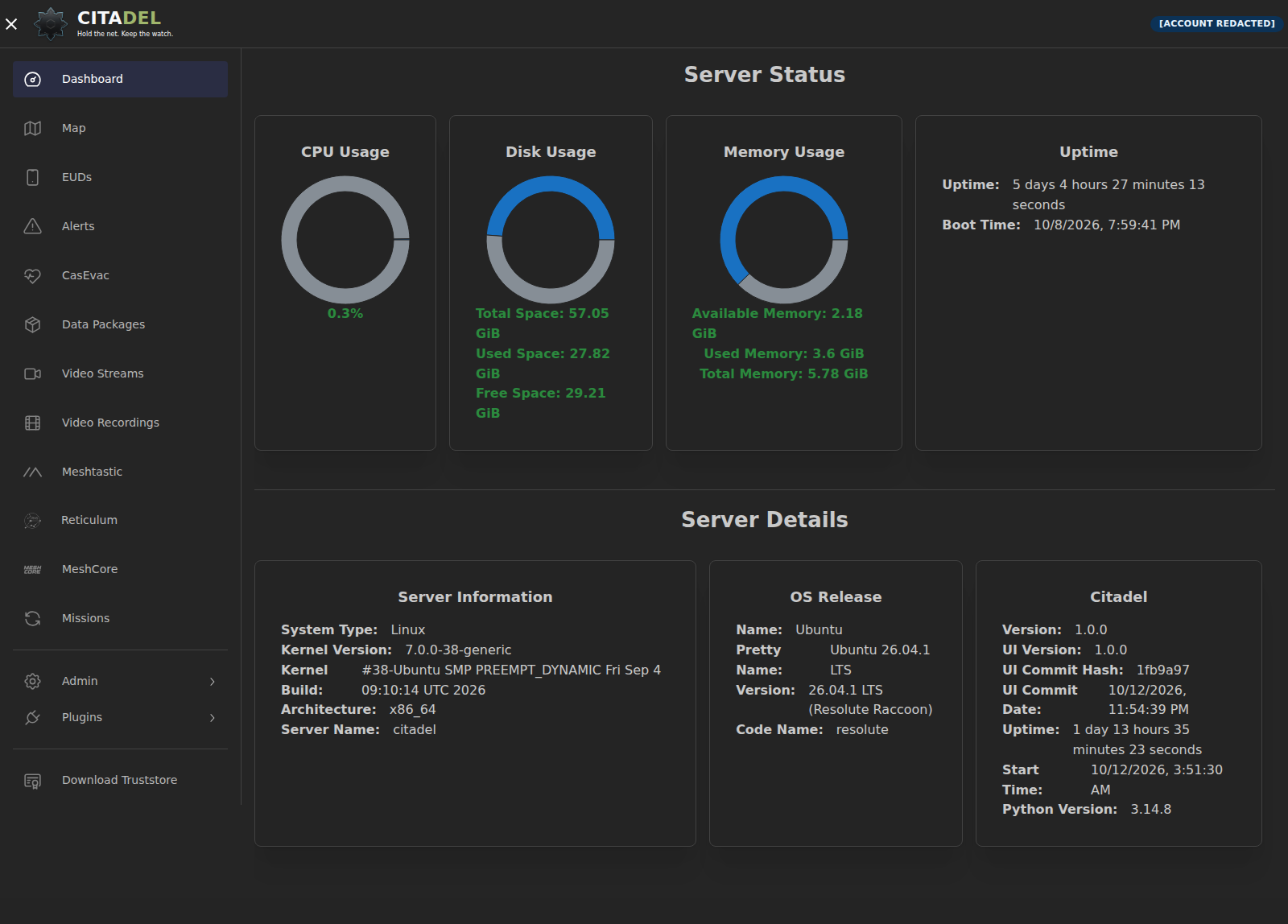
Inspect connection history, battery readings, data age and server-side traffic. Native diagnostics appear when the client reports them. Missing telemetry stays unavailable, rather than becoming a made-up zero.
Live Reticulum status and managed updates
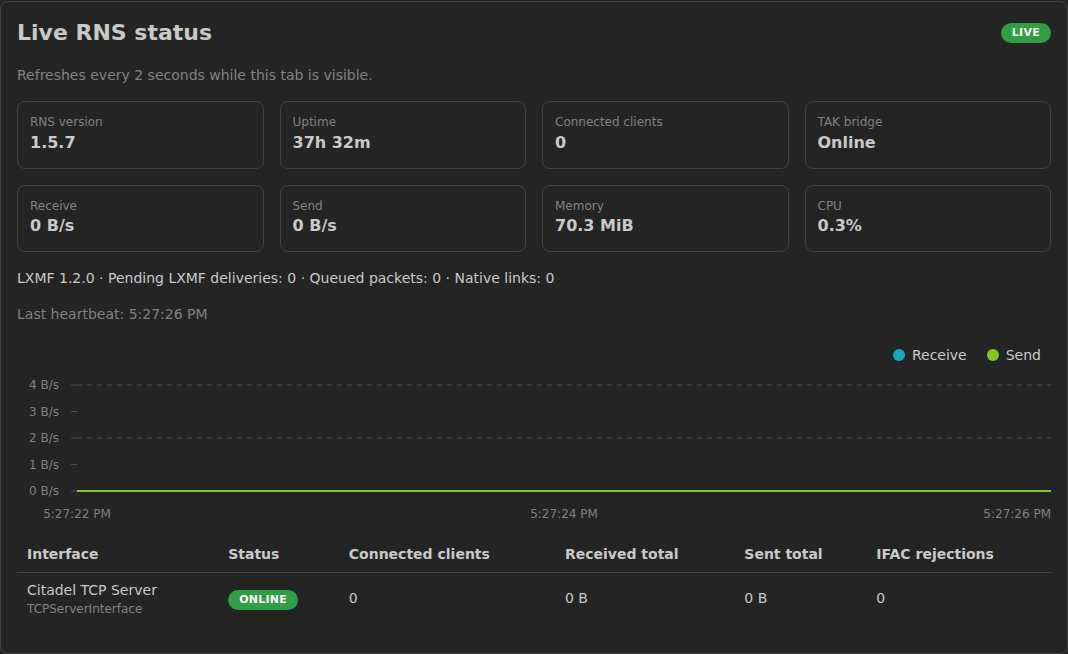
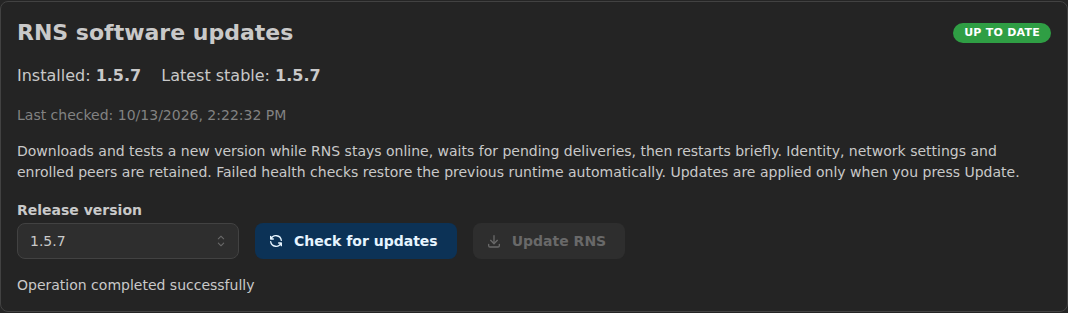
Inspect versions, uptime, interface counters, resource use and pending deliveries. Administrators can stage supported RNS releases and restore the previous runtime; failed health checks trigger rollback.
Readable text, even over small links
Long UTF-8 messages use numbered parts within Meshtastic and MeshCore payload budgets. Small mesh images need compatible receivers; ordinary phone apps do not reconstruct Citadel image fragments.
Your deployment, your infrastructure
The installer detects supported Ubuntu 24.04/26.04, Debian 13.7 and Raspberry Pi OS Trixie 64-bit hosts and selects the matching Python runtime and dependency constraints.
Old servers still get clearance for takeoff
An x86-64/SSE2 baseline supports older 64-bit CPUs and virtual machines. Optional SSE4, AVX2/FMA3 and AVX-512 NumPy paths depend on the complete feature groups exposed inside the guest. Acceleration applies where compatible kernels exist.
Small board. Full platform.
Raspberry Pi 4 and 5 use an ARMv8-A/NEON baseline on 64-bit Trixie. Pi 5 can use optional FP16 and dot-product paths where the runtime implements them. No Pi 5-only instructions are forced into the shared baseline.
Voice and video alongside
Add separately configured Mumble voice and MediaMTX video streams and recordings over IP. Manage console access, certificates and optional authenticator MFA in the web interface.
CITADEL · FIELD + MESH
Different networks. One place to coordinate.
Citadel connects compatible field applications, mesh networks and OverWatch so teams can exchange positions, messages and mission data across the tools they already carry. One console for the connections, identities and gateways that keep the operation moving.
- Shared map + Purge
- Device health
- Live RNS status
- Client messaging
Client messaging uses the shared room for enrolled active accounts. The web chat page is removed. Location permissions remain separate; group/team-color chat separation is planned.
Find your connection path
Choose a network to see how it connects and what the current integration carries.
ATAK · WinTAK · XTAK
Field clients
ATAK, WinTAK and XTAK can connect through the documented CoT and GeoChat interface over TLS, with private certificate enrollment. Client-specific extensions and plugins need separate compatibility checks.
- Connection
- CoT / GeoChat over TLS
- Position
- Team positions and shared map markers
- Text
- Native GeoChat through supported TAK clients
- Images
- Use media APIs and compatible clients; image display in unmodified ATAK 5.8 is not verified.
Compatible LoRa nodes
Meshtastic
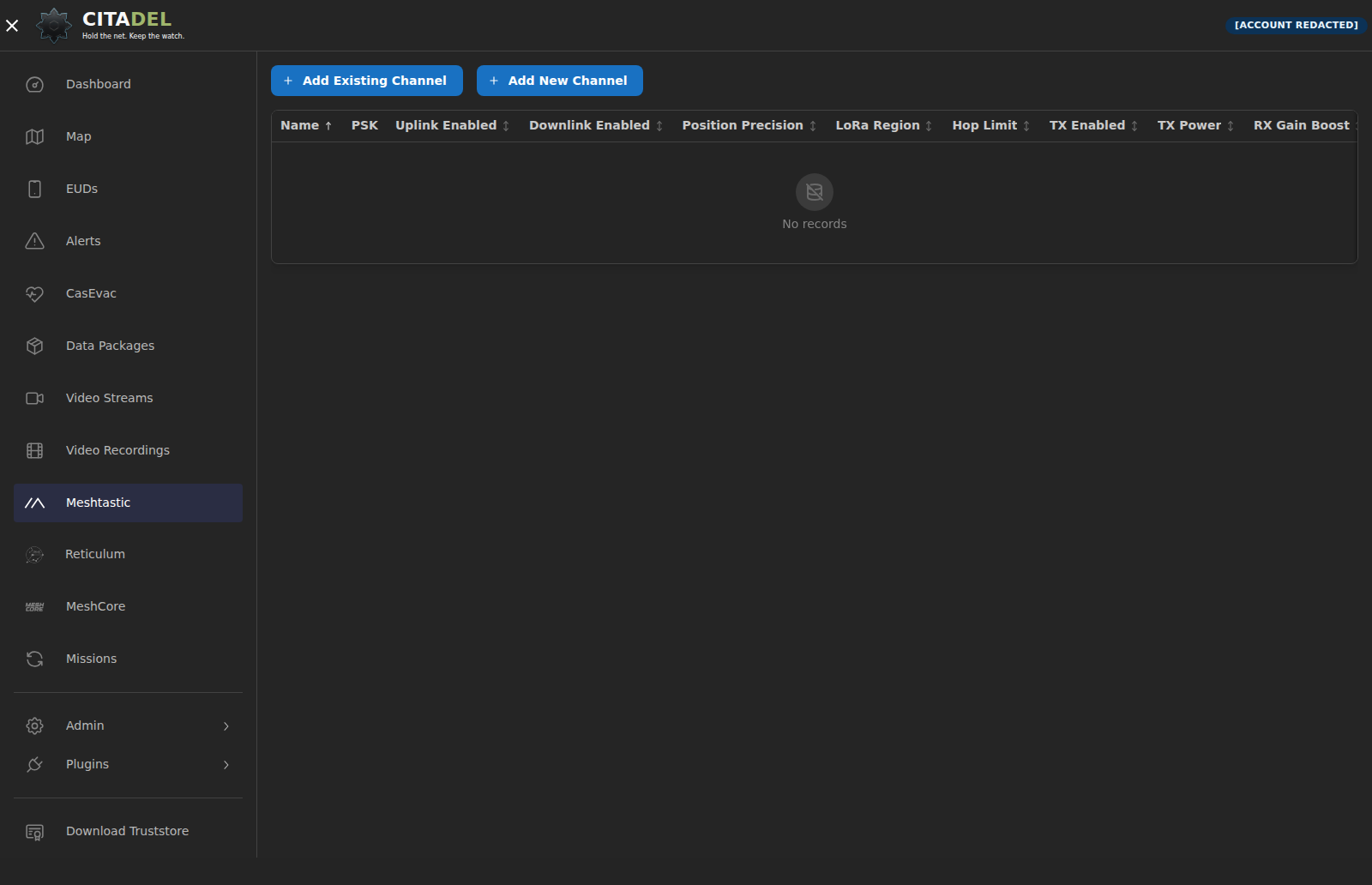
Bridge a configured Meshtastic network to TAK through MQTT. Manage channel settings, uplink/downlink and PSKs, then share a channel using a QR code or URL.
- Connection
- MQTT gateway
- Position
- Supported position reports through the configured gateway
- Text
- Native channel text; long Thai and UTF-8 messages use numbered parts
- Images
- Small image files require the Citadel image receiver; standard phone apps show ordinary text.
VPS + field radio gateways
MeshCore
Run the central server without an attached radio. TCP-capable clients connect through SSH or VPN; a field computer connects its radio to the server over HTTPS.
- Connection
- Companion TCP / HTTPS gateway
- Position
- The virtual Companion endpoint is for chat and does not advertise radio positions.
- Text
- Shared channel text; long messages use numbered parts
- Images
- Compatible receivers reconstruct small image files. RF acknowledgements and automatic retransmission are not implemented.
MeshChatX · Reticulum MeshChat
Reticulum / LXMF
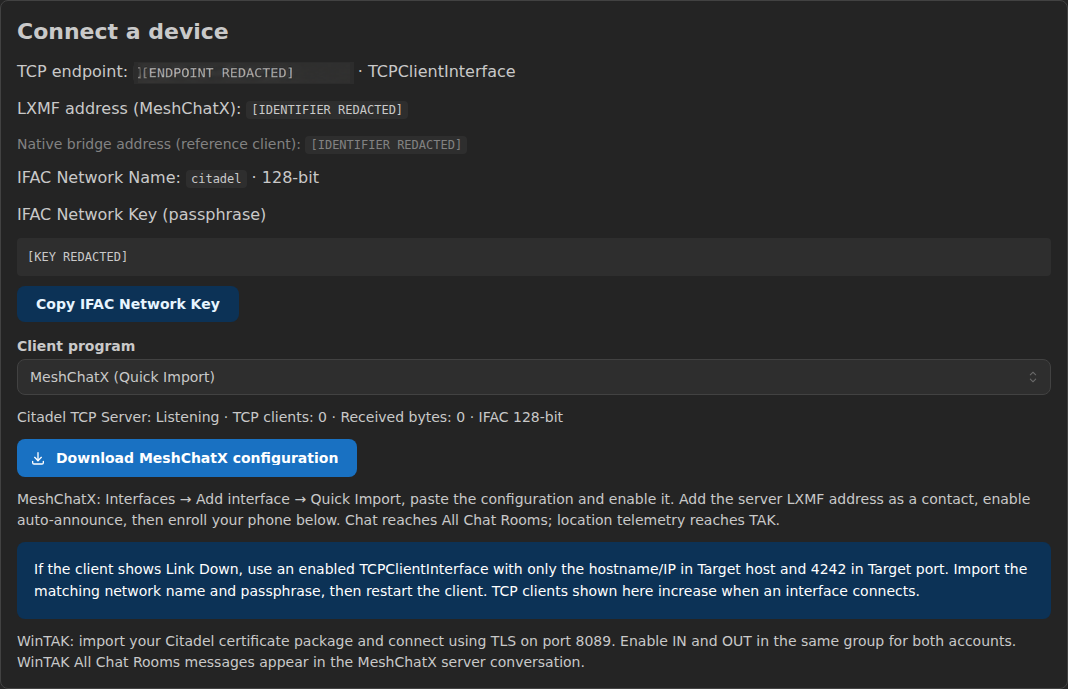
Bind Reticulum identities and LXMF addresses to active accounts. Download a client profile and bring readable identity names, text and compatible location telemetry into the team workflow. Monitor live RNS/LXMF status and let administrators select software updates or restore the previous runtime from the console.
- Connection
- Reticulum links / LXMF
- Position
- Compatible signed location telemetry, with existing IN/OUT group permissions
- Text
- Signed LXMF text with account and identity display names
- Images
- Native LXMF image attachments on compatible clients; radio interfaces require configured RF hardware.
Operational coordination
OverWatch
Exchange operational data through compatible interfaces and configured integrations. Coordinate across the applications your team already carries.
- Connection
- Configured compatible interfaces
- Position
- Operational data through configured integrations
- Text
- Depends on the configured interface and client
- Images
- Client and integration support must be validated