TAK & Mesh Communications
Keep the clients your team uses. SpectreTAK connects TAK and three mesh ecosystems through defined paths. The web console manages maps, gateways and system status; messaging uses supported clients.
TAK + MESH
Different networks. One place to coordinate.
Keep the clients your team uses. SpectreTAK connects TAK and three mesh ecosystems through defined paths. The web console manages maps, gateways and system status; messaging uses supported clients.
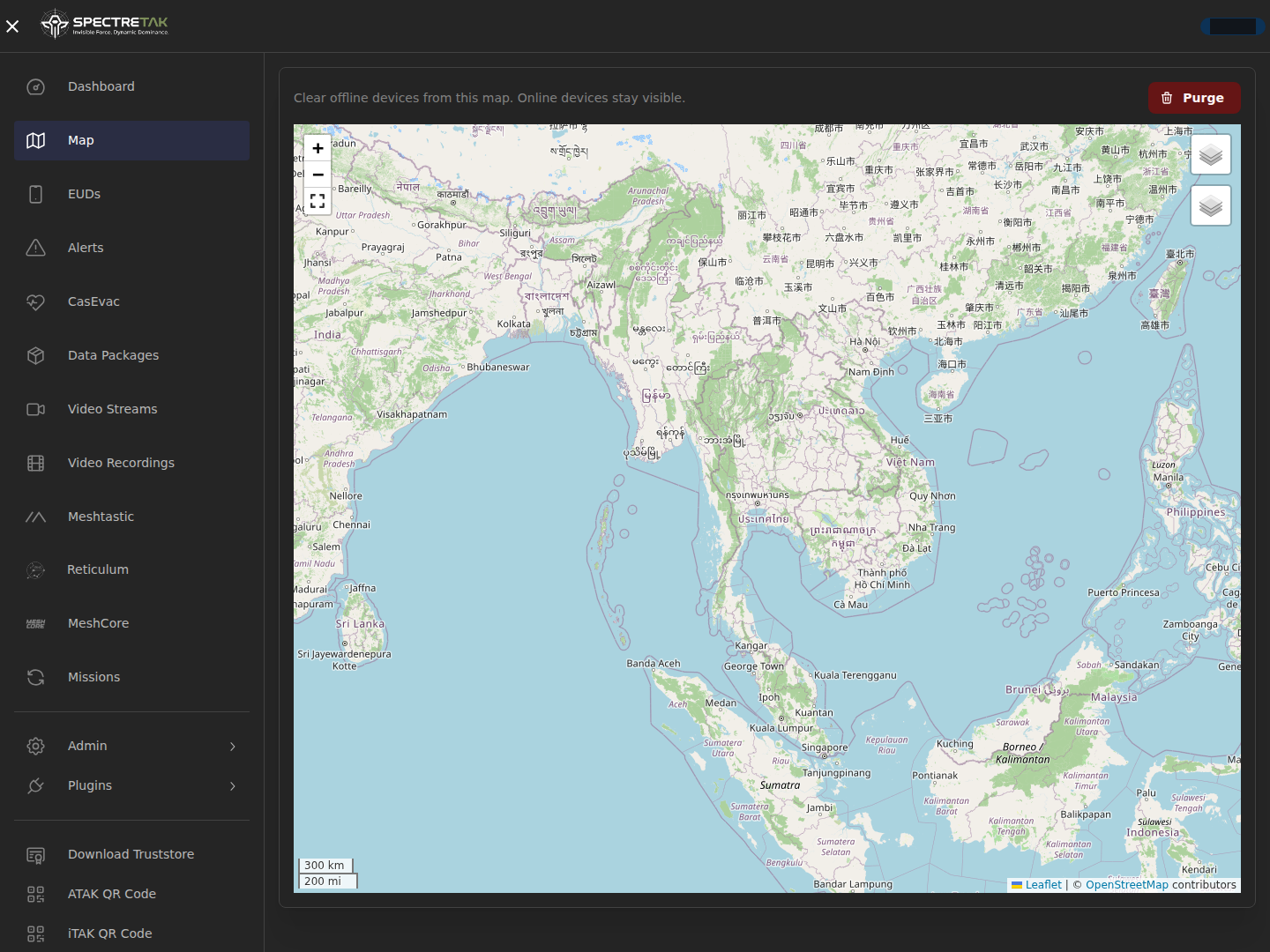
- Shared map + Purge
- Device health
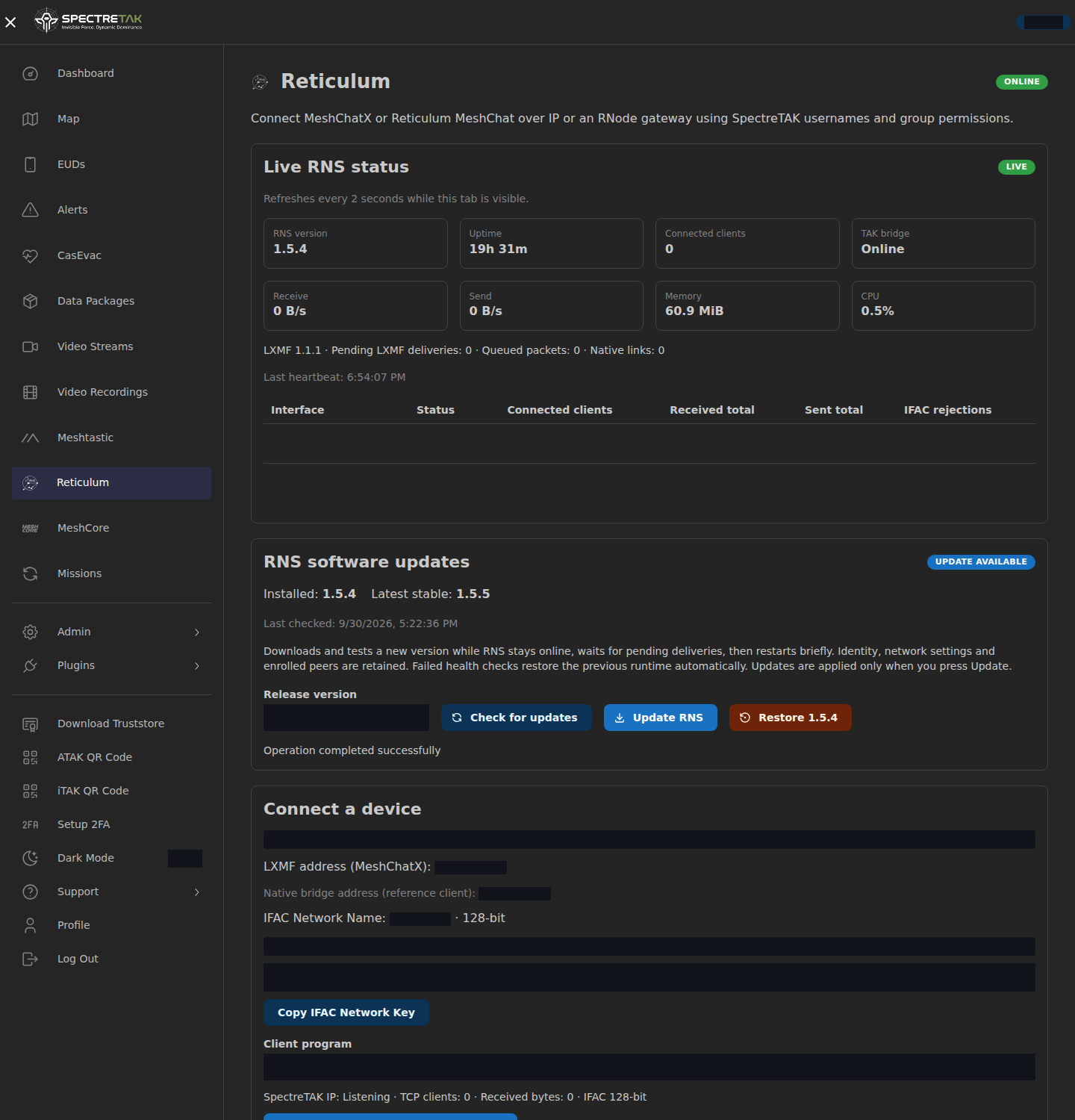
- Live RNS status
- Client messaging
Client messaging uses the shared room for enrolled active accounts. The web chat page is removed. Location permissions remain separate; group/team-color chat separation is planned.
Find your connection path
Choose a network to see how it connects and what the current integration carries.
ATAK · WinTAK · iTAK
TAK
Connect supported TAK clients with account access and certificate enrollment. Bring positions, shared markers, mission data and native GeoChat into familiar workflows.
- Connection
- TAK / IP
- Position
- Team positions and shared map markers
- Text
- Native GeoChat through supported TAK clients
- Images
- Use media APIs and compatible clients; image display in unmodified ATAK 5.8 is not verified.
Compatible LoRa nodes
Meshtastic
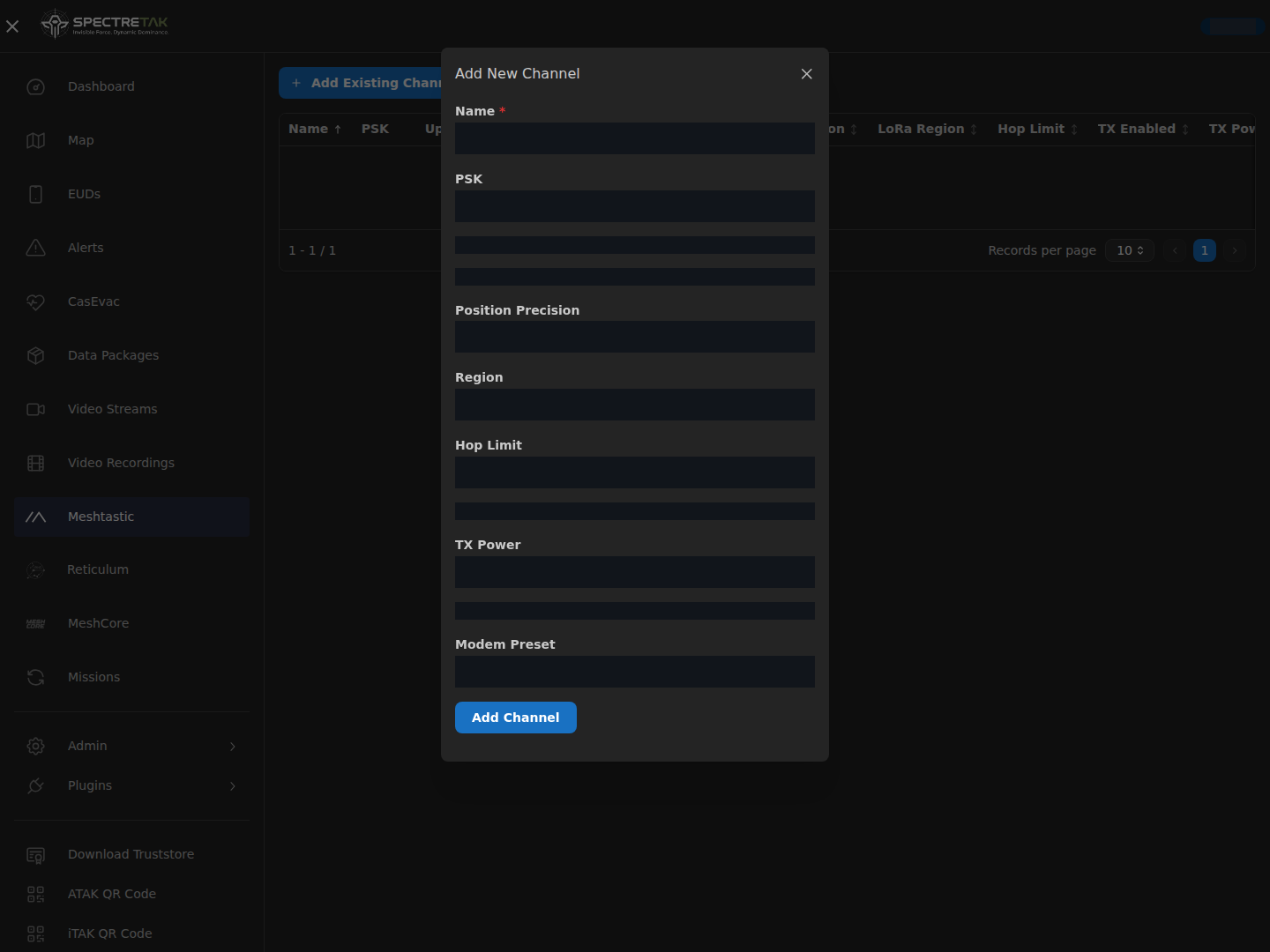
Bridge a configured Meshtastic network to TAK through MQTT. Manage channel settings, uplink/downlink and PSKs, then share a channel using a QR code or URL.
- Connection
- MQTT gateway
- Position
- Supported position reports through the configured gateway
- Text
- Native channel text; long Thai and UTF-8 messages use numbered parts
- Images
- Small image files require the SpectreTAK image receiver; standard phone apps show ordinary text.
VPS + field radio gateways
MeshCore
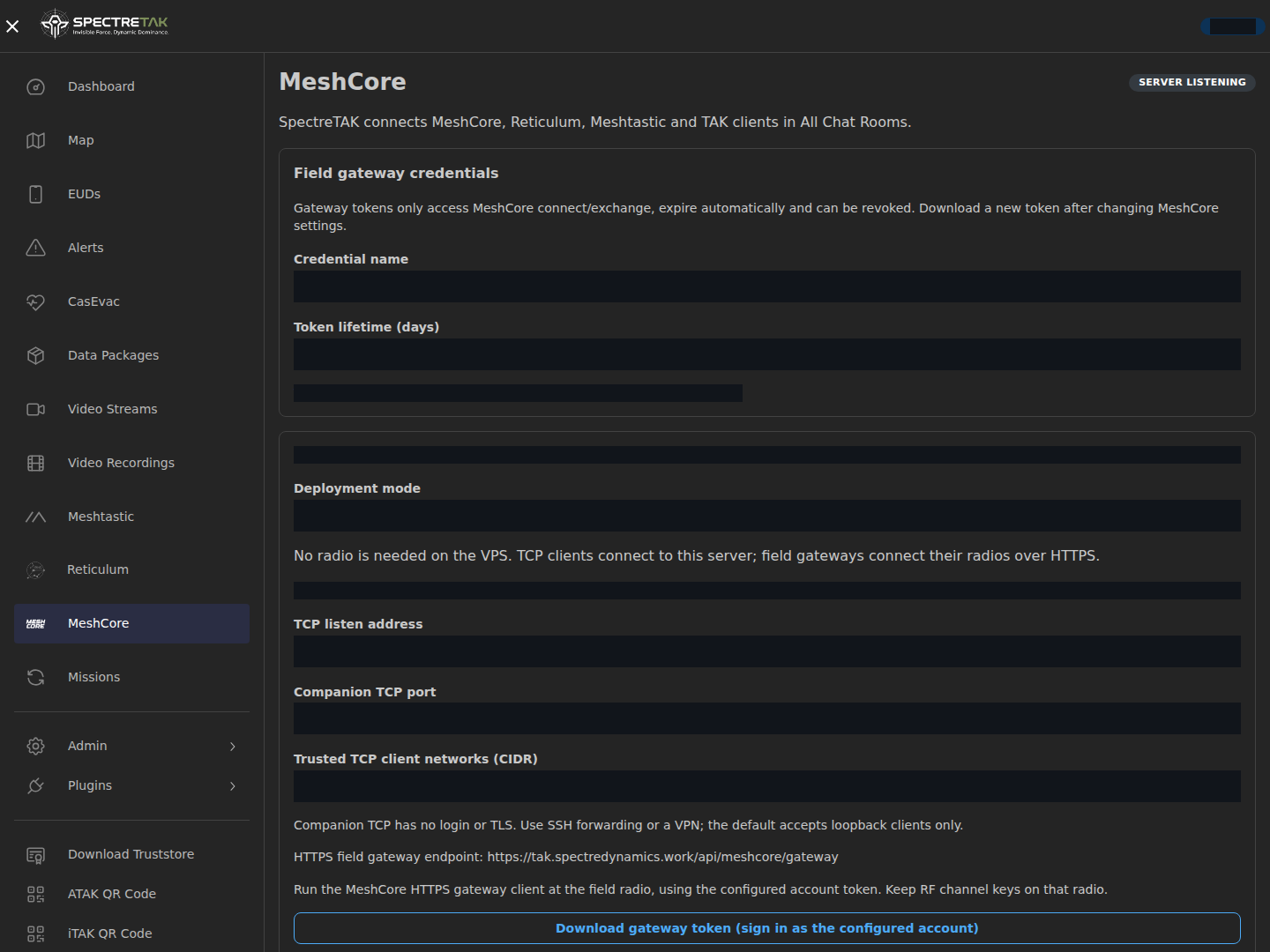
Run the central server without an attached radio. TCP-capable clients connect through SSH or VPN; a field computer connects its radio to the server over HTTPS.
- Connection
- Companion TCP / HTTPS gateway
- Position
- The virtual Companion endpoint is for chat and does not advertise radio positions.
- Text
- Shared channel text; long messages use numbered parts
- Images
- Compatible receivers reconstruct small image files. RF acknowledgements and automatic retransmission are not implemented.
MeshChatX · Reticulum MeshChat
Reticulum / LXMF
Bind Reticulum identities and LXMF addresses to active accounts. Download a client profile and bring readable identity names, text and compatible location telemetry into the team workflow. Monitor live RNS/LXMF status and let administrators select software updates or restore the previous runtime from the console.
- Connection
- Reticulum links / LXMF
- Position
- Compatible signed location telemetry, with existing IN/OUT group permissions
- Text
- Signed LXMF text with account and identity display names
- Images
- Native LXMF image attachments on compatible clients; radio interfaces require configured RF hardware.
Discuss your deployment
The central server needs an IP path from each gateway. MeshCore and Meshtastic image transfer requires a compatible SpectreTAK receiver; standard phone apps do not assemble those images. LXMF images need a compatible client. Virtual Companion TCP is an IP chat endpoint used through SSH or VPN. Radio loss, multi-hop performance and image display in unmodified ATAK 5.8 still require validation. Group/team-color chat separation, recipient RF acknowledgements and automatic radio retransmission are planned or outside the current release. Data packages and video use TAK/IP.